Free trial
Try the whole Dock free for 48 hours.
Download DockDoor Pro, open it and press Start Free Trial. Every feature works, and you don't need a key, an account or a card.
DockDoorPro.dmg is downloading. If it didn't start, press Download DockDoor Pro.
macOS Sonoma 14.6 or later, on Apple silicon and Intel. Or install with Homebrew: brew install --cask dockdoor-pro
- 1
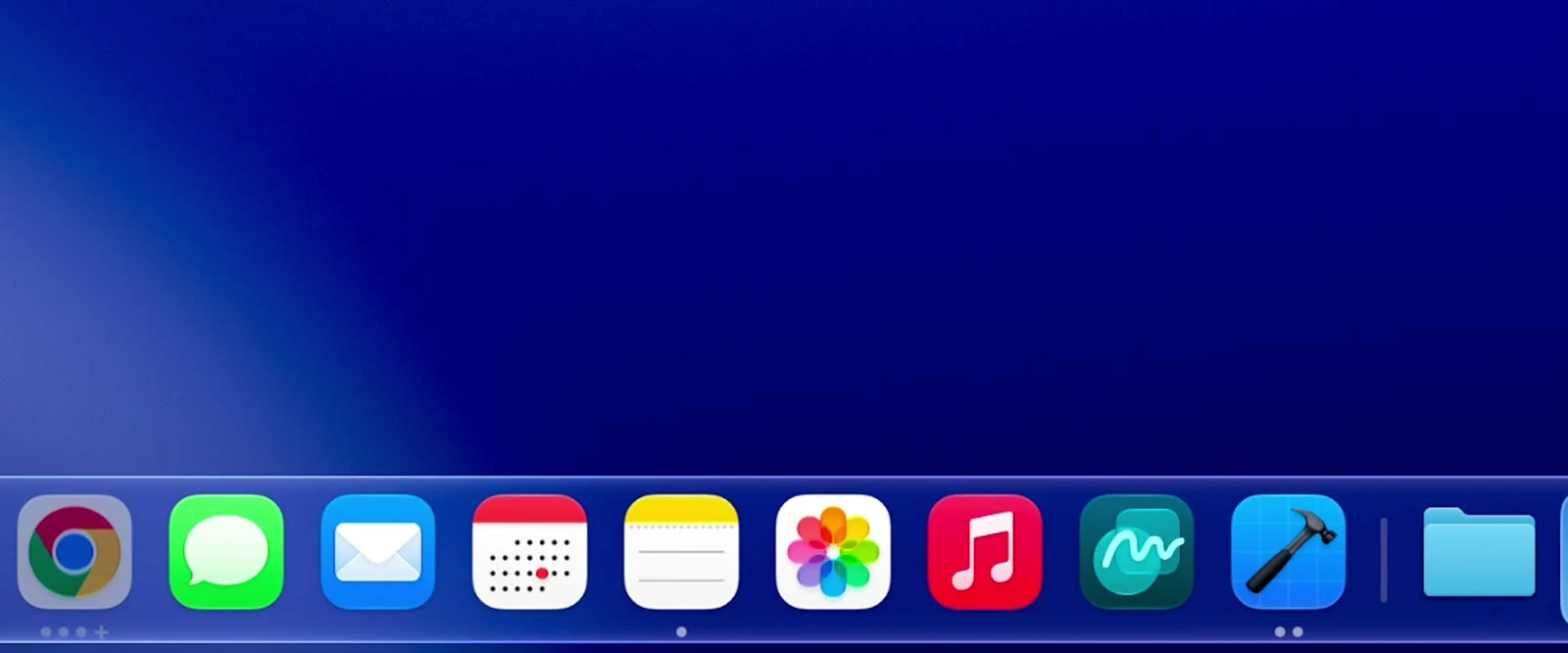
Download and open
Open DockDoorPro.dmg, drag DockDoor Pro into Applications and open it from there. Already installed? Update it from Settings › About first.
- 2
Allow access
Setup asks for two permissions so DockDoor Pro can see and preview your windows. Each one brings you back once it's granted.
- 3
Press Start Free Trial
It's on the Dock and in Settings › Setup. Every feature unlocks right away.
How the trial works.
-
Starts when you press it
The 48 hours begin when you press Start Free Trial, not when you download, so install it whenever suits you.
-
Nothing held back
Widgets, profiles, folders, the window switcher and the marketplace all work exactly as they do with a license.
-
One trial per Mac
Reinstalling picks up the same trial and the same end date. It never starts a new one.
-
Online to start
Starting the trial checks in with our license server, which sees only a hashed device ID. Privacy policy
-
When it ends
The Dock dims and asks for a key. Your profiles, widgets and settings stay, ready for when you buy.
-
Buy whenever
Paste a key into Settings › About during the trial or after it, and carry on where you left off. $20 once, for 3 Macs